Shrivatsav logoShrivatsav
Sign in

© 2026 Shrivatsav. Private Android apps, sold directly.

TermsPrivacyNo refundsContact
Shrivatsav logoShrivatsav
Sign in

Chime for Android

Chime

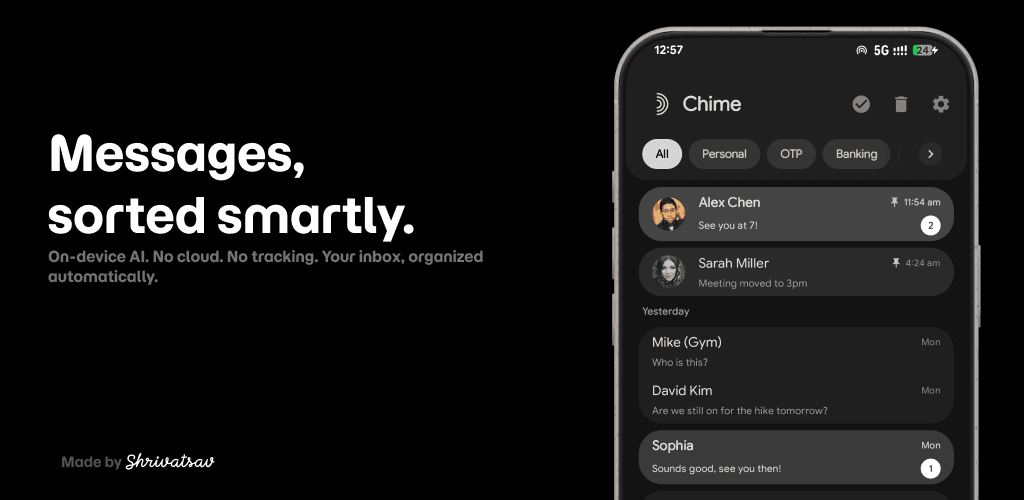
A Kotlin and Jetpack Compose SMS/MMS client with on-device AI categorization, dynamic categories, scheduled messages, full-text search, biometric lock, and Material 3 theming. No cloud, no accounts, no telemetry.

Release Notes

New Features & Enhancements:

  • Extended Localization: Introduced an in-app language picker providing support for over 30 languages.
  • Performance Optimizations: Enhanced overall application responsiveness and state management for smoother interactions.
  • User Interface Improvements: Refined visual feedback mechanisms during manual sorting operations.
  • State Management: Implemented optimistic state updates for SMS actions, reducing perceived latency.
Chime feature graphic
Chime logo

Chime

Privacy-first SMS/MMS for Android.

v0.1.1

Private categorization

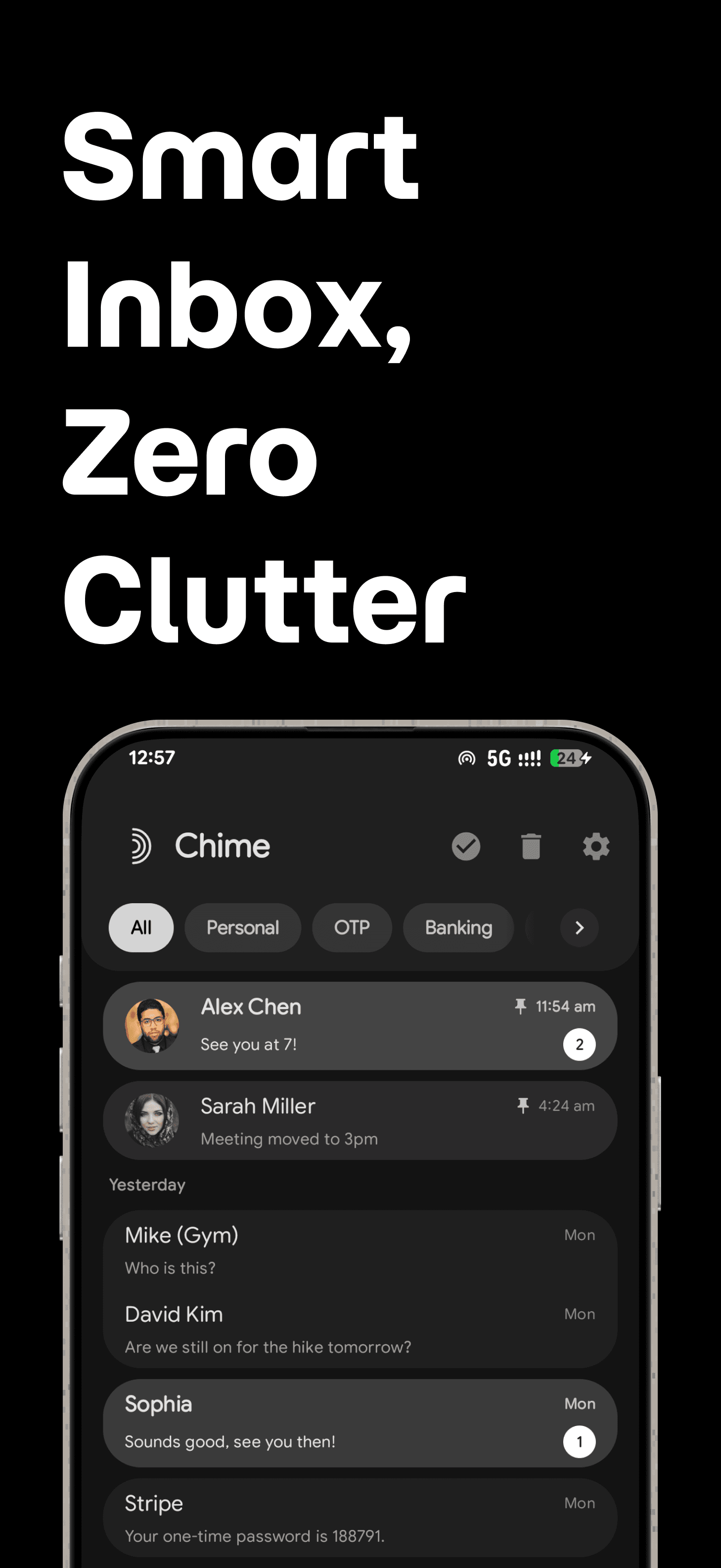
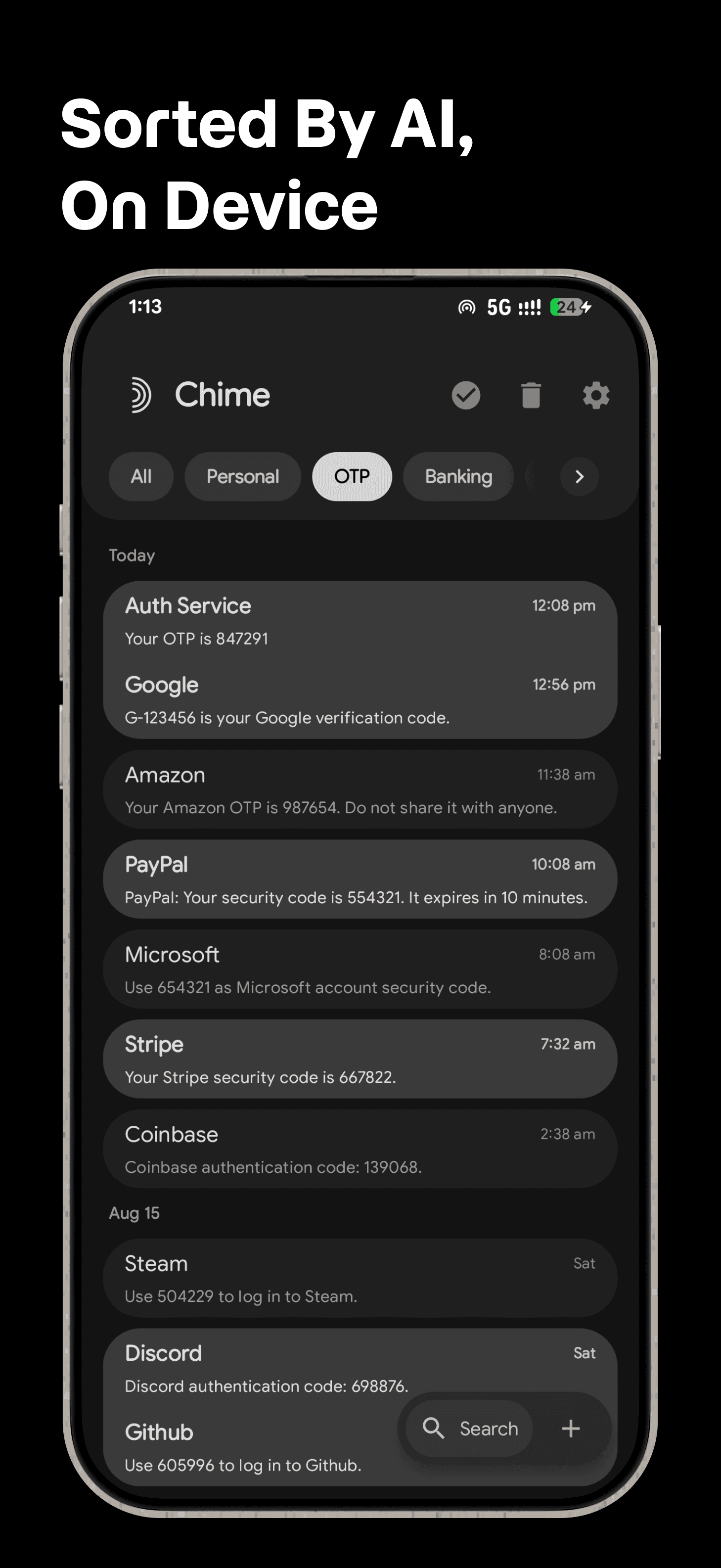
Personal, OTP, Banking, Promos, Carrier, and Spam categories are classified and retrained on-device.

SMS workflows

Pinned threads, scheduled messages, custom swipe actions, undo moves, trash, and full-text search are built in.

Android native

Kotlin, Jetpack Compose, Material 3, WorkManager, DataStore, SQLite, biometrics, and dynamic theming.

Chime logo

Base price

₹120

+ taxes. Checkout total currently ₹142.

APK app-release.apkRelease v0.1.1Updated 7 Sept 2026

Privacy

On-device

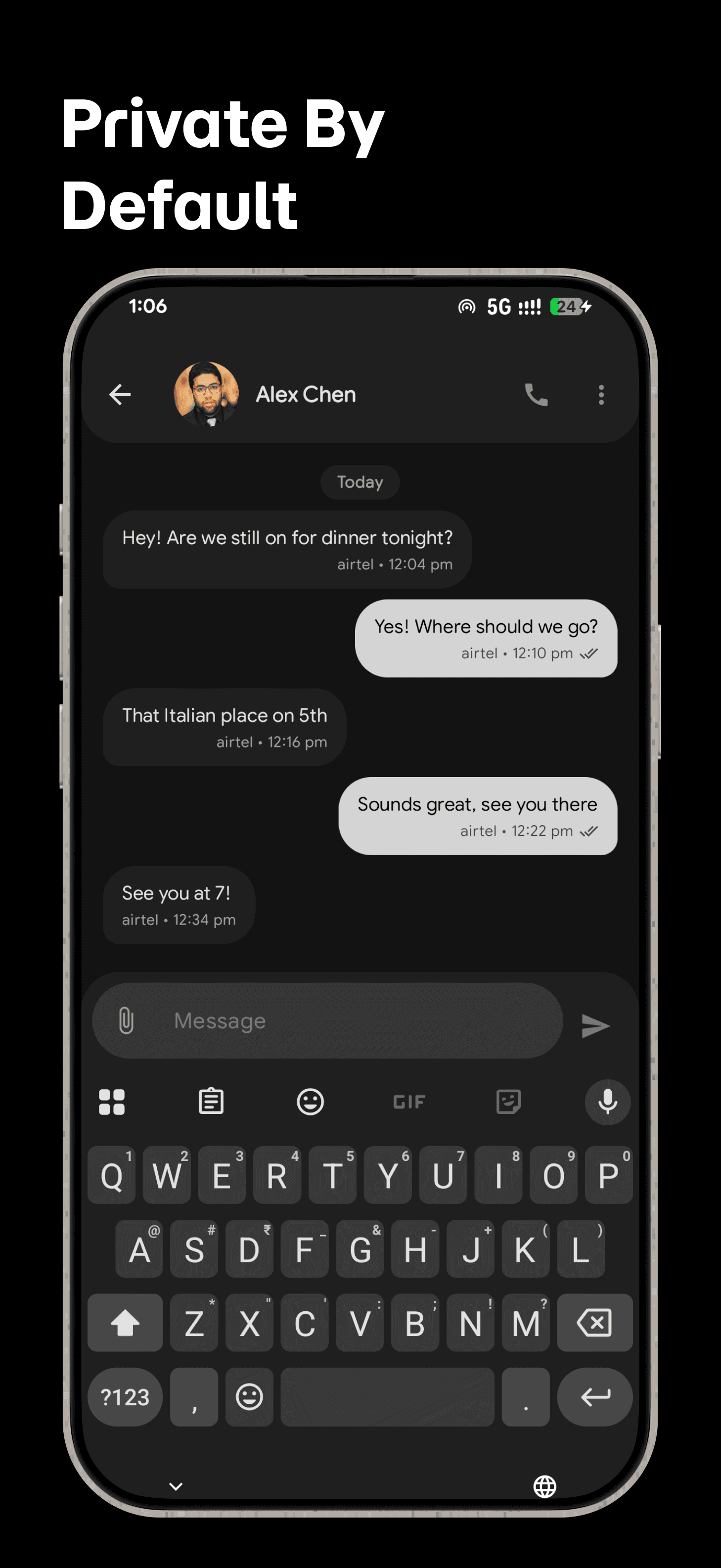
No cloud account, message upload, or telemetry

Latest APK asset

app-release.apk

README

Project details.

Chime

Chime is a modern SMS and MMS app for Android that keeps your inbox organized, private, and easy to use. It is built for people who want a calmer messaging experience without accounts, ads, or cloud-based message processing.

What You Can Do

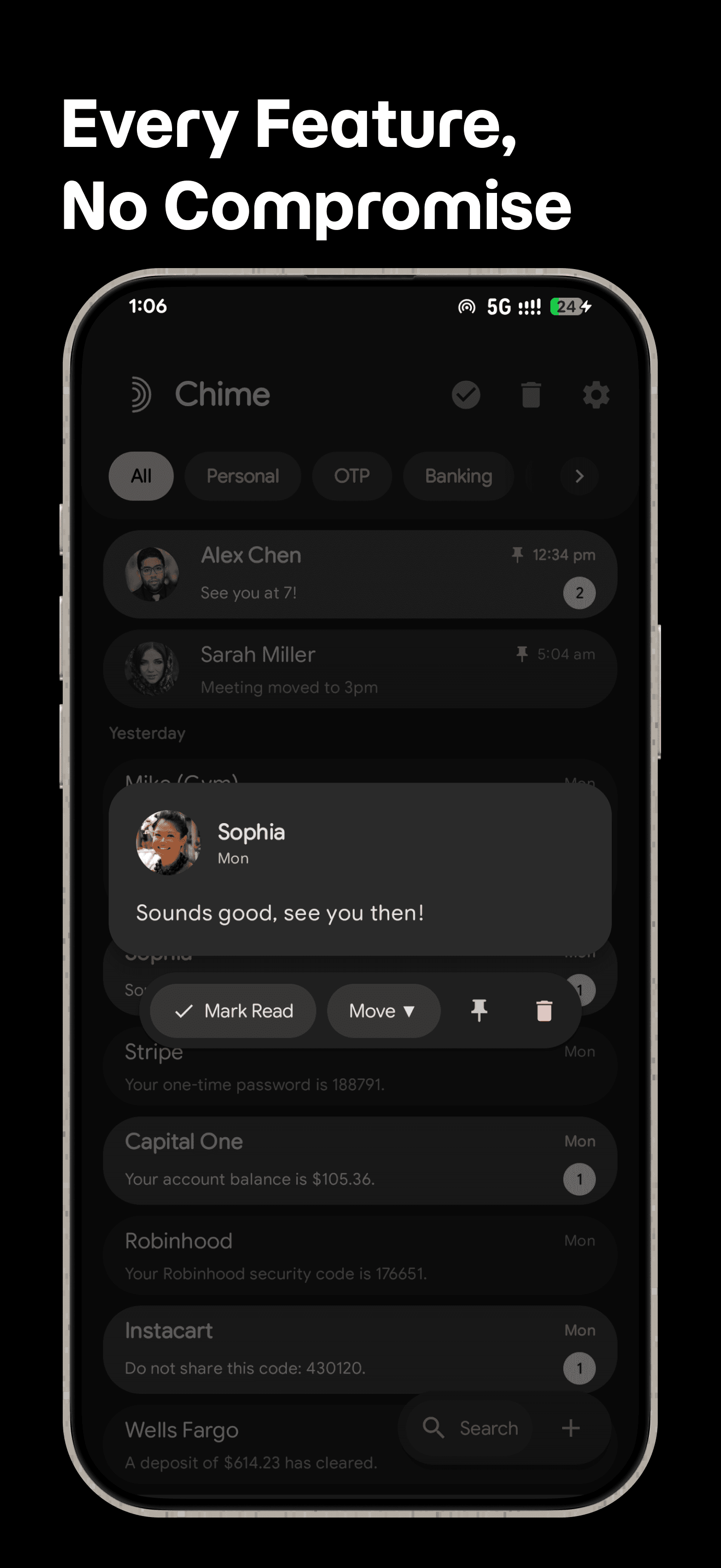
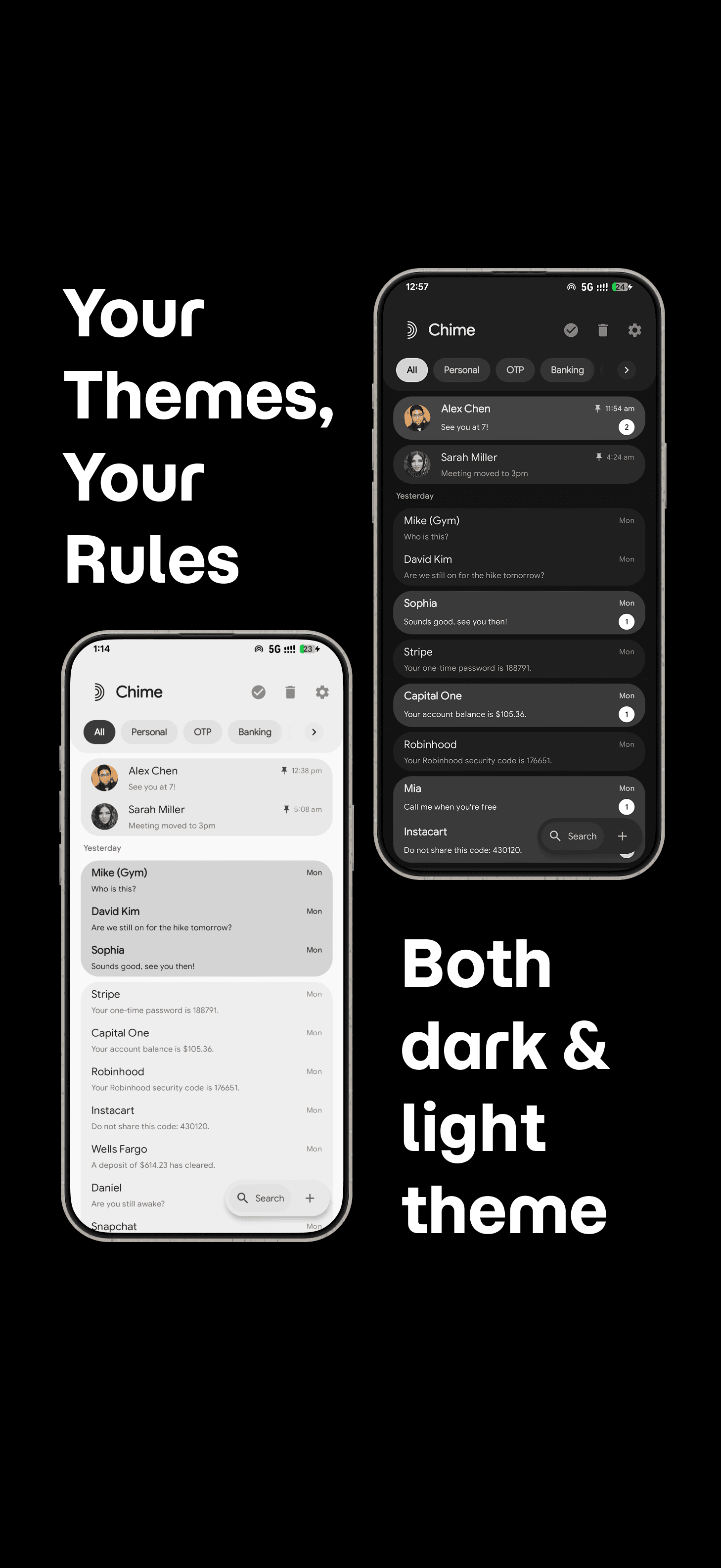
  • Keep conversations organized with smart categories for Personal, OTP, Banking, Promos, Carrier, and Spam messages.
  • Create your own categories so your inbox matches the way you actually sort messages.
  • Move conversations anytime with an Undo option if you change your mind.
  • Pin important chats so the people and threads you care about stay at the top.
  • Search your messages quickly across conversations.
  • Schedule messages to send later, including support for phones with multiple SIMs.
  • View shared media in a dedicated gallery for each conversation.
  • Preview links directly in your messages when rich previews are available.
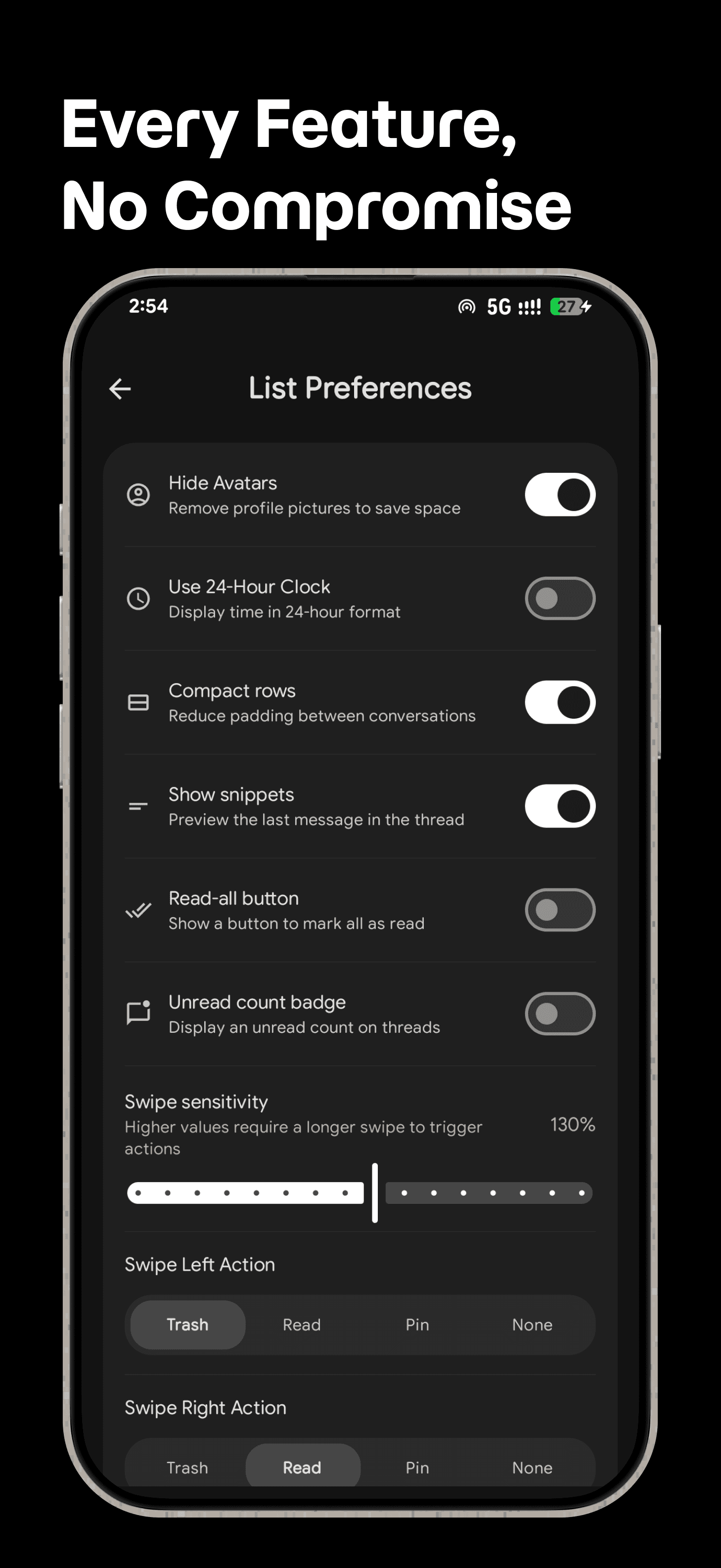
  • Customize swipe actions for faster inbox cleanup.
  • Recover deleted conversations from Trash before removing them permanently.
  • Protect the app with biometrics when you want an extra lock on your messages.
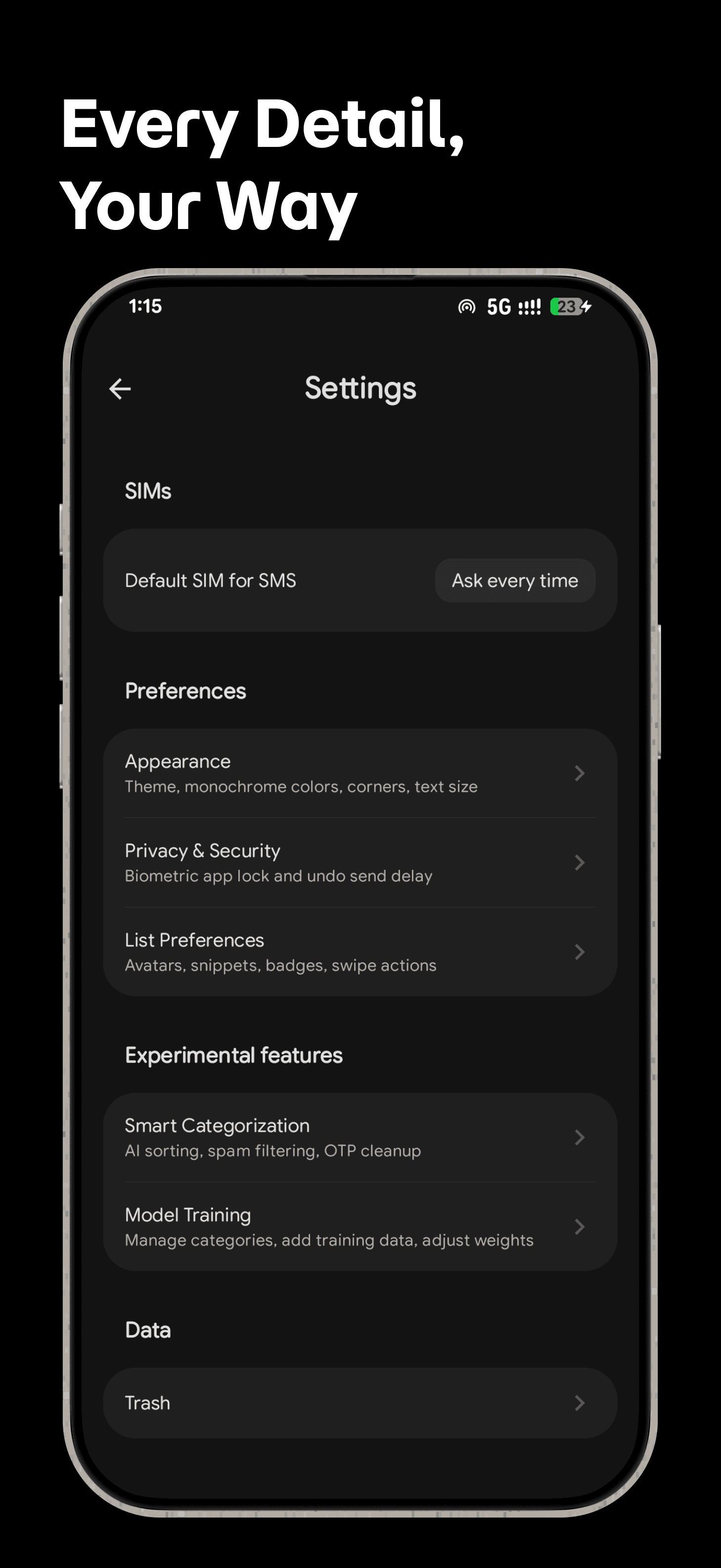
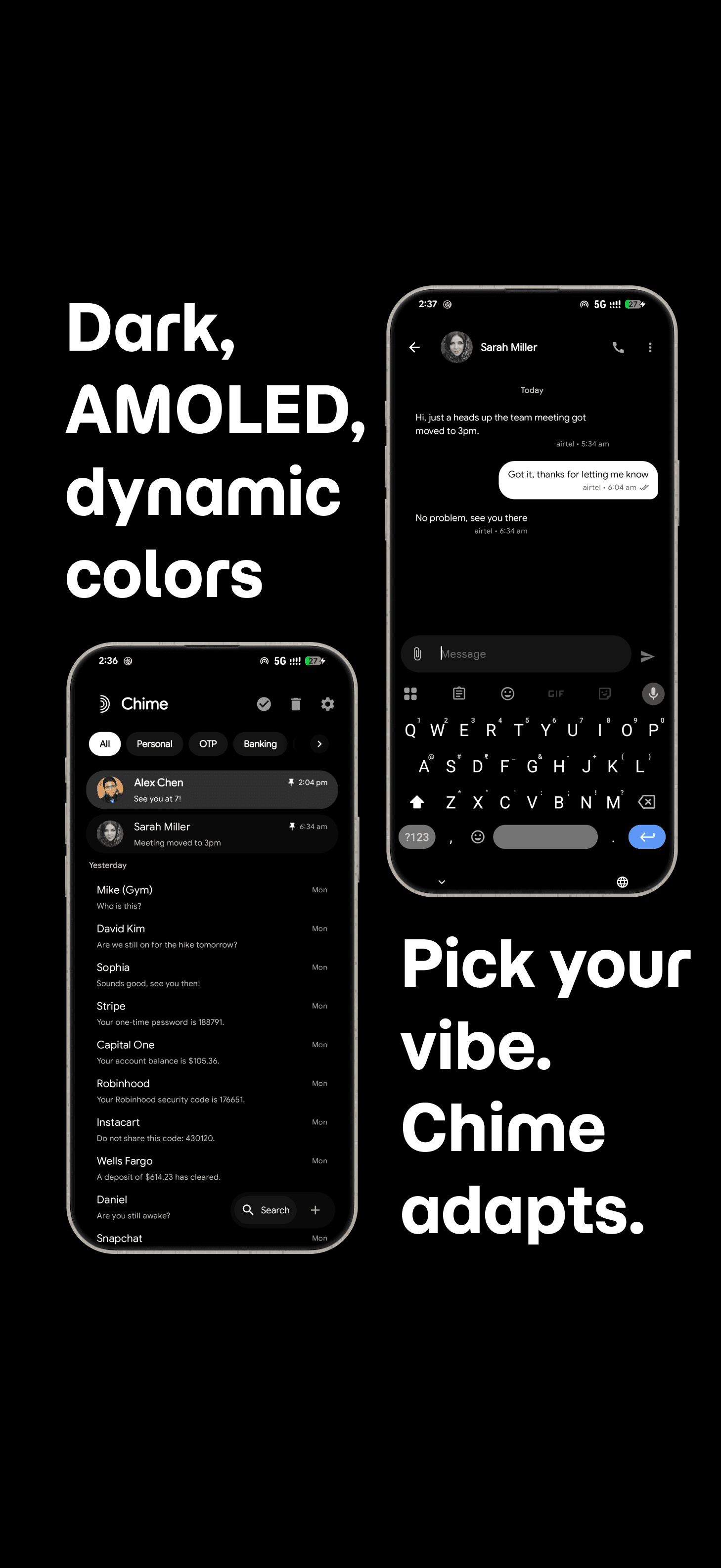
  • Personalize the look with light and dark themes, Material You colors, AMOLED mode, monochrome mode, corner styles, and avatar visibility settings.
  • Use Chime in your language with in-app language selection across supported locales.

Screenshots

A focused SMS workspace.

8 screens
Chime screenshot 1
Chime screenshot 2
Chime screenshot 3
Chime screenshot 4
Chime screenshot 5
Chime screenshot 6
Chime screenshot 7
Chime screenshot 8

© 2026 Shrivatsav. Private Android apps, sold directly.

TermsPrivacyNo refundsContact

Privacy

Chime is designed around local-first messaging. Message categorization and learning from your category edits happen on your device, and Chime does not require an account or collect analytics on its own servers.

Some rich features can make network requests:

  • Link previews fetch information from the websites shared in messages.
  • Business avatars may request brand icons from a third-party service.

Read the full Privacy Policy for details before enabling or relying on those features.

Getting Started

  1. Install Chime on an Android phone.
  2. Open the app and make Chime your default SMS app when prompted.
  3. Your existing messages will appear in Chime.
  4. Open Settings to adjust categories, appearance, privacy options, language, and message behavior.

Chime must be your default SMS app to read, receive, and send SMS/MMS messages.

Legal

  • Privacy Policy
  • Terms of Service
  • License